



SPONSORED BY LEGAL HELP NEW MEXICO
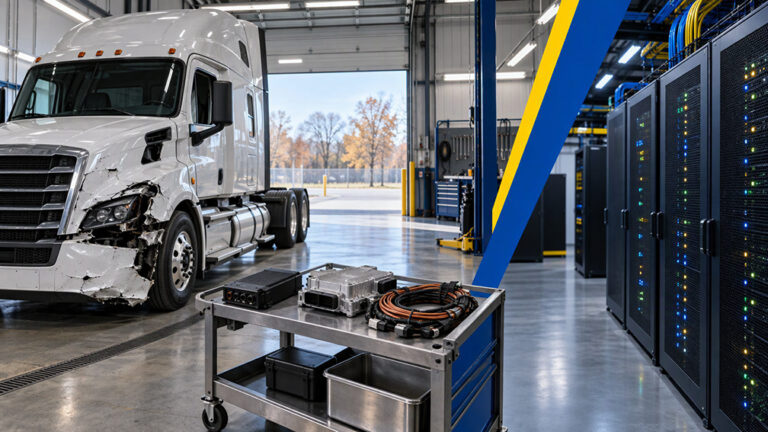
Investigators may have no record of the moments just before a truck crash when recording windows are short. Your preservation plan must cover the truck’s onboard equipment and the records kept on a provider’s servers.
Because routine vehicle operation and automated server cycles can quickly erase data in both locations, immediate action is essential.
You protect evidence against NTSB-reported overwrite risks by securing systems, inventorying devices, notifying custodians, exporting native files and logging custody. If damage prevents a download, protect the hardware and request off-truck records while a qualified examiner determines how to recover data from the original module.
The steps below explain how to preserve electronic evidence after a truck crash and leave the source records unchanged.
What electronic evidence should I save right after a truck accident?
Save engine-module data and ELD logs, plus camera footage and third-party telematics records. An engine module may hold an event data recorder (EDR), while an ELD tracks hours of service. Camera systems record video; telematics platforms store vehicle records sent remotely.
These sources show what truck data should be saved after an accident.
| Source | Possible contents | Custodian | Preservation risk |
|---|---|---|---|
| EDR or engine module | Up to two hard-brake events, one last-stop event, and three recent fault-code events (on DDEC-equipped vehicles) | Carrier or vehicle owner | New events can overwrite older ones when the vehicle continues operating, as noted in NTSB Highway Investigation Report HIR-22/01. |
| ELD | Hours-of-service entries and vehicle information | Carrier and ELD provider | Inaccessible logs or interrupted recording |
| Event camera | Recorded footage and accompanying metadata | Carrier or camera provider | Short clips or scheduled deletion |
| Third-party telematics | Remotely stored location and vehicle records | Carrier account administrator or provider | Provider-controlled retention settings |
The NTSB described a recorder with forward-facing and inward-facing video in Highway Investigation Report HIR-22/01. The recorder also captured elapsed event time, GPS location and acceleration data.
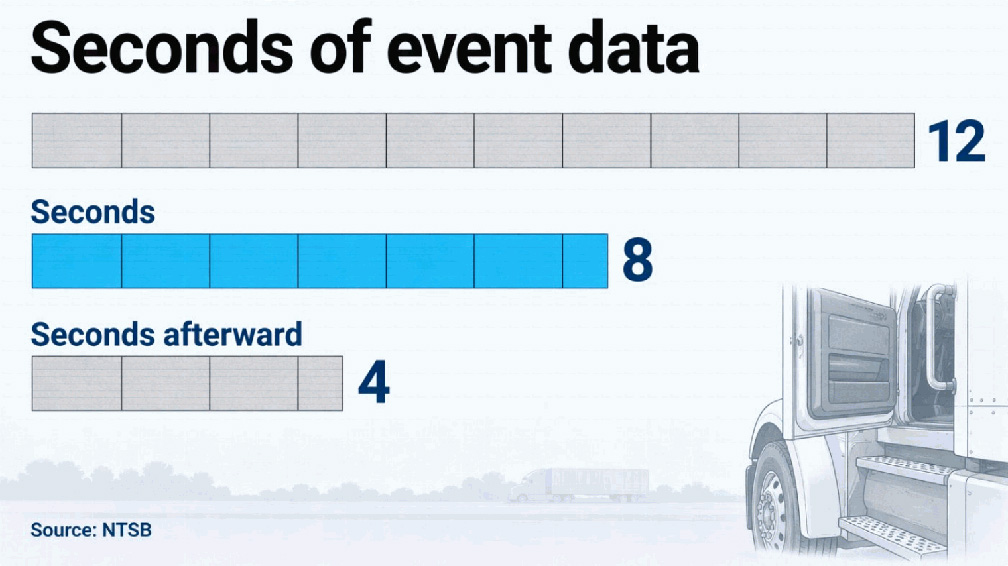
In the same NTSB investigation, a triggered recording began approximately 8 seconds before a critical event and continued for about 4 seconds afterward, producing roughly 12 seconds of event data.
A screenshot shows what appeared on a screen; it isn’t the system’s native file. Keep native downloads with their accompanying metadata, and use screenshots to document a device’s display or an error message.
Preserve the truck’s electronic evidence in sequence
Follow these steps once emergency responders have handled the immediate hazards. Put a carrier contact in charge of coordinating with the storage yard and outside data providers.
Step 1: Secure the vehicle and prevent equipment changes
When responders allow it, secure the truck and stop unnecessary operation to avoid recording new events. Put medical care and scene safety before saving a recorder.
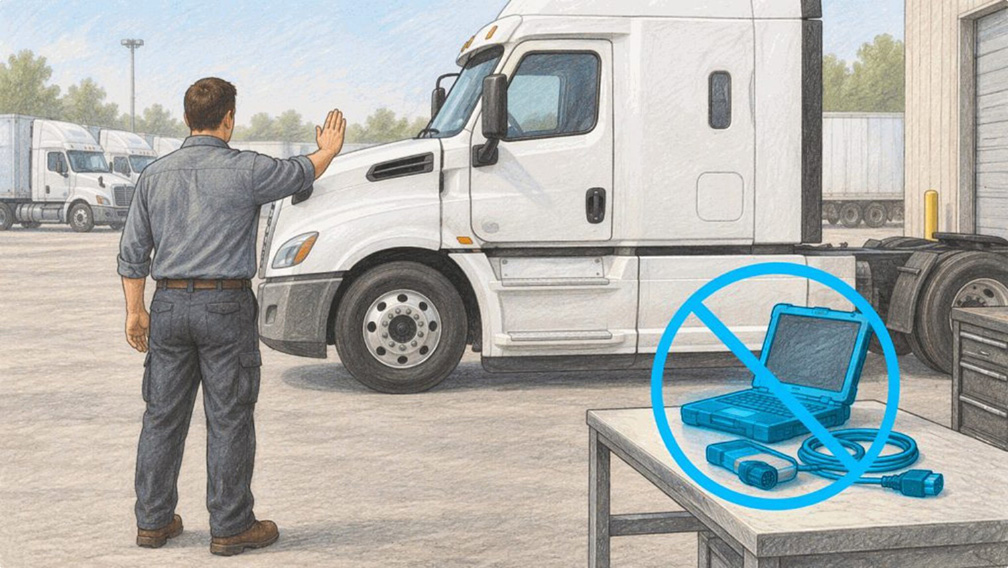
Tell the tow operator and receiving yard that the truck is under an evidence hold. Don’t approve a test drive or routine diagnostic work. Ask the yard to hold off on nonessential module replacements and software updates. Qualified personnel should decide how to isolate power and remove modules. Ask them to note any unavoidable movement or safety-related electrical work in the tow record.
Step 2: Photograph and inventory every installed system
Photograph and inventory each installed recording system without changing its settings. The carrier can then identify every device and who holds its data. Whether you are building a file for federal litigation or preserving black box data from a commercial truck in New Mexico, your evidence inventory should group ECM and EDR downloads with ELD logs, maintenance records and driver qualification files.
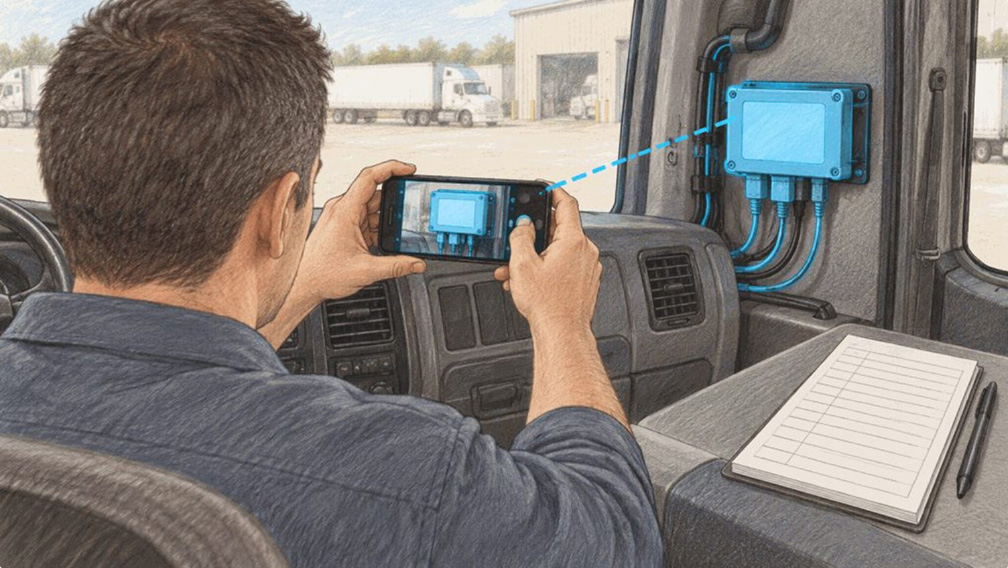
Note the tractor’s VIN and its unit number. Photograph the device labels and visible connections, but don’t unplug anything. List the camera account and ELD provider as separate entries, even when both appear on the same in-cab screen. List trailer-mounted equipment, if it’s present, and note who controls each account.
Step 3: Issue written preservation notices to each data custodian
Send a written preservation notice to every known custodian, asking each organization directly to keep its records. Don’t assume the carrier’s hold covers a cloud provider. Contact the vehicle owner, the carrier’s records manager and each camera or telematics provider.
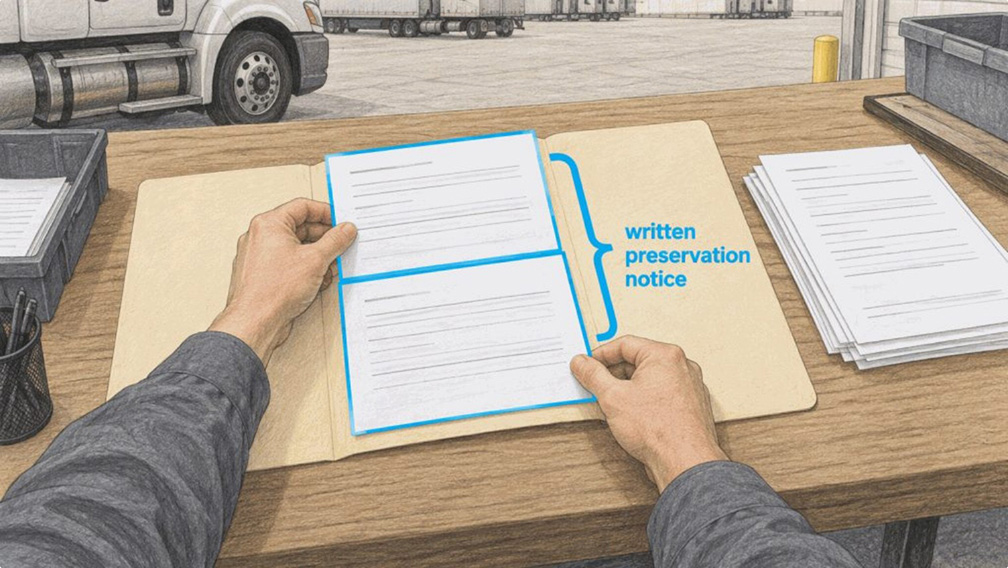
Identify the carrier account administrator and provider to find out who can access telematics data after a commercial truck wreck.
- Crash identifiers: State the crash location and reported time, along with the VIN and unit number.
- Requested records: Request the source files and metadata for a defined period around the crash, including available footage outside any triggered clip.
- Retention instructions: Ask the custodian to pause routine deletion of the requested records and explain its normal retention policy.
- Response: Request a responsible contact and details about any records that are already missing.
A notice doesn’t confirm that deletion has stopped; keep the custodian’s written acknowledgment together with your request.
Step 4: Export native files and preserve source records
Export native files using the method the system supports, and retain the source records so the extraction doesn’t replace the underlying evidence.
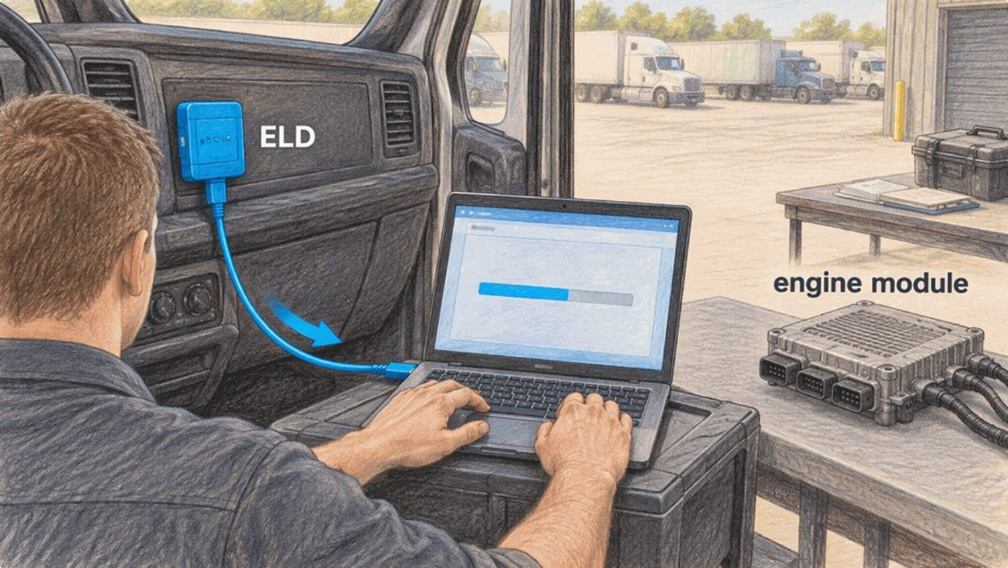
FMCSA’s ELD Final Rule allows transfers via wireless web services or email, and via USB 2.0 or Bluetooth, depending on what the device supports. The rule also requires drivers to have access to their own ELD records.
An ELD transfer isn’t a download of the engine module. Have a qualified examiner use compatible tools to retrieve the module data. Ask providers for original camera files and their metadata, not just a summary their portal generates.
Step 5: Log custody and verify working copies
Log each acquisition and compare the working copies against the preserved originals so an examiner can identify later changes. Store the originals you receive, and limit access to those files.
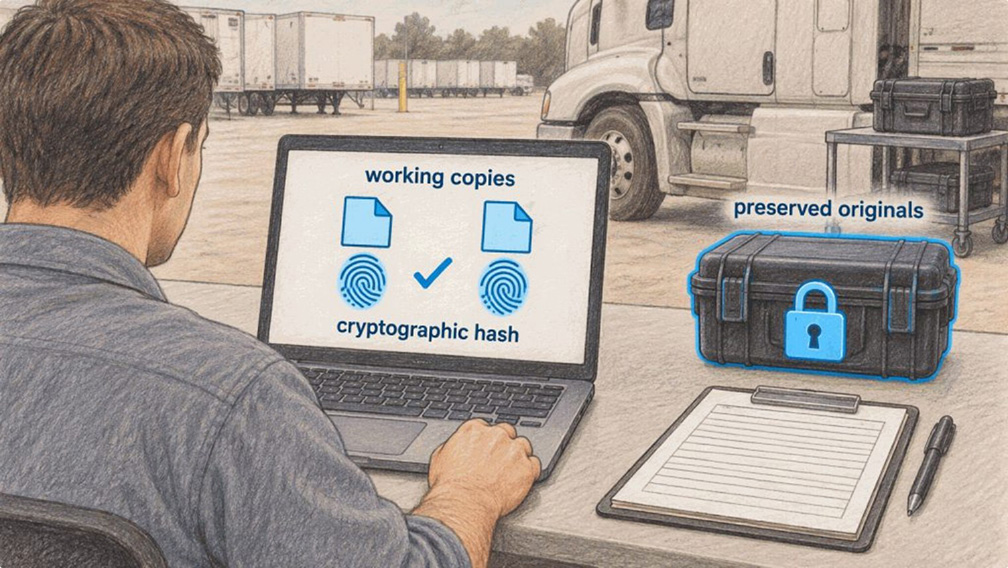
Ask the examiner to record a cryptographic hash, which is a file fingerprint used to detect changes. Check the working copy’s hash against the original’s before you review that copy. Log failed and partial exports, not just successful downloads. Note any error code displayed. Keep the downloaded files with the notes from their extraction.
What should be done if the truck’s data module is damaged after a crash?
Protect a damaged or inaccessible module and leave recovery to a qualified examiner. Don’t open the housing or try to repair it yourself. Ensure the carrier and outside providers preserve any copies kept off the truck while the hardware awaits examination.
FMCSA’s ELD malfunction FAQs say devices must monitor their recording and transfer functions, along with timing and positioning. A recording malfunction can stop a device from retaining or retrieving required logs or events.
Under 49 CFR § 395.34, the driver must notify the carrier in writing within 24 hours if a malfunction prevents accurate recording of hours of service, and the carrier generally has 8 days to repair, service, or replace the device. When a truck is under an evidence hold, replace the unit with a new device rather than repairing or overwriting the crash-involved hardware, and log all technician actions.
Keep the original timestamps unchanged. Use a separate note to record any time-zone difference or apparent clock error; don’t silently correct the source file.
What is the proper chain of custody for electronic evidence from a commercial truck crash?
A proper written chain of custody links each truck crash evidence file to its source and documents every handoff. Identify the collector and record the collection date and time, along with the source device and transfer method. Link a stable file identifier to its storage location, then record every later transfer.
Video reveals aftermath of fatal crash from April involving semi-truck in New Mexico
Record who sent and received each transfer, along with its date and time. Record the transfer method and where the file ended up. Include notes from the extraction so an examiner can distinguish a direct module download from a provider export. Leave originals unchanged and use only verified working copies for analysis.
Protect the record before analysis begins
Give the person responsible for storing the truck a preservation instruction now, then contact every known data custodian. Reconstruction can wait until qualified personnel have secured the equipment and records needed to determine what happened.

Experience is part of developing a successful law practice, and at Smith & Marjanovic Law LLC, people from New Mexico get the skilled legal advice and representation they’re looking for when they need an attorney. We have a thorough understanding of New Mexico law. With exceptional legal skills, practical solutions, and professional integrity, Smith & Marjanovic Law, LLC works hard to help you get the best possible results.